

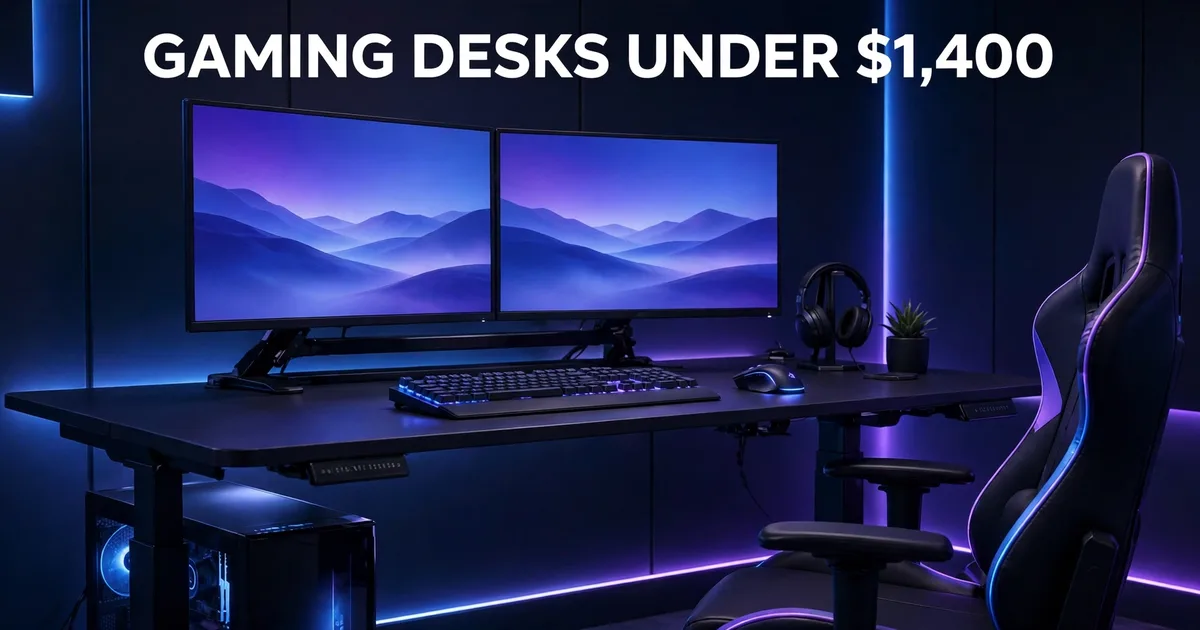
If you are shopping for the best gaming desks for under $1,400, the hard part is not the budget — it is the fit. A desk that is too narrow crowds your monitors, one that is too shallow pushes your screen too close, and a fixed-height desk cannot grow with the way you play. This guide compares five desks that cover the shapes gamers actually buy: a sit-stand desk, a wide steel desk, an L-shaped desk, a compact desk and a desk with built-in storage.
Short answer
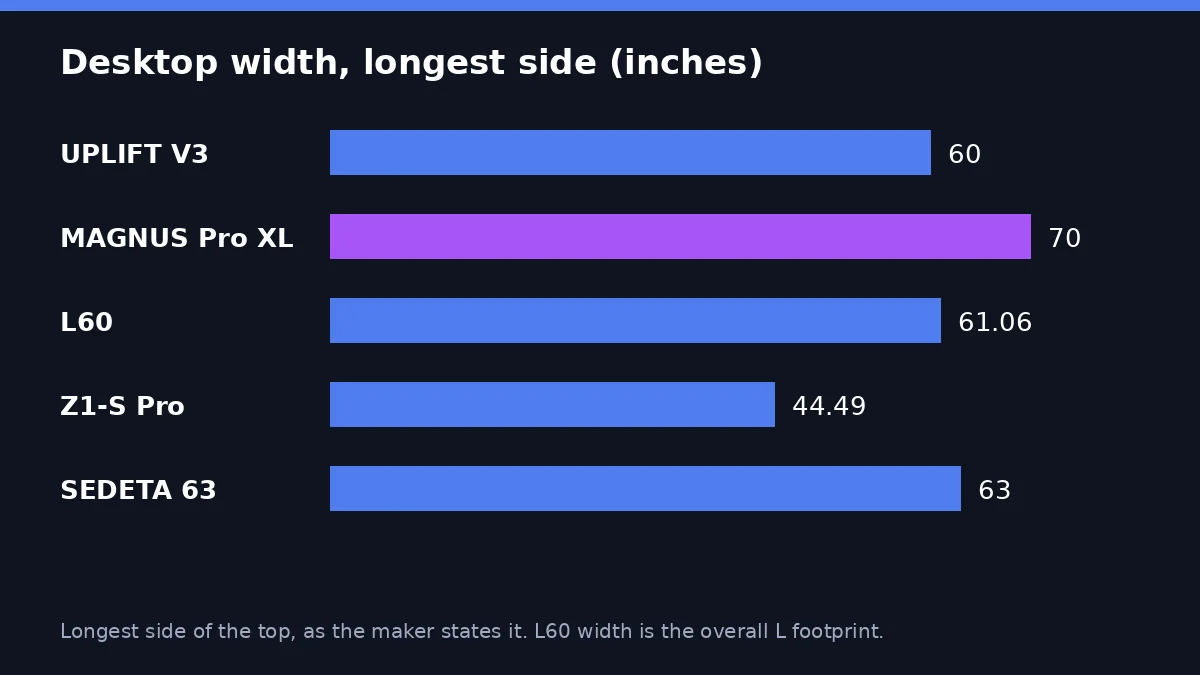
The best gaming desks for under $1,400 start with size: measure your wall first, then match it to a desk at least 60 inches wide for two monitors, like the 70-inch Secretlab MAGNUS Pro XL or the 60-inch UPLIFT V3, which also lifts 355 lb and adjusts from 22.6 to 48.7 inches.
Find your pick at a glance
-
Best overall
UPLIFT V3 Standing Desk, 60 x 30 in
The widest height range here, 22.6 to 48.7 inches, with a 355 lb lift.
-
Best for cable management
Secretlab MAGNUS Pro XL
A 70-inch steel top with a hidden cable tray and a built-in power column.
-
Best compact
EUREKA ERGONOMIC Z1-S Pro Gaming Desk
A 44.5-inch desk that fits one monitor, a keyboard and a mouse in a small room.
Who this guide is for
This guide is for PC and console players setting up a desk that has to hold a monitor or two, a keyboard, a mouse and a tower, with a budget up to $1,400.
This is for you if
- You play on PC with one or two monitors and want the desk to fit the screens, not the other way round.
- You want to stand between games and need a desk that moves from sitting to standing height.
- Your room has a free corner and you want the desk to use both walls.
Look elsewhere if
- You need a desk wider than 70 inches — none of these five stretches further.
- You want monitor arms in the box — none of these five includes one, so budget for arms separately.
Check this before you buy
The one check that decides this purchase is the wall, not the desk. Measure the wall where the desk will sit, then measure the second wall if it is an L-shape, and leave room for your chair to slide back.
Three things to check
- Your wall lengths Measure each wall from the corner to the nearest door, window or radiator, and compare both with the desk’s longest side. A 63-inch L-shaped desk needs 63 inches on one wall and room for the return on the other.
- Your sitting and standing heights Sit at your current desk, note the height that feels right, then check it sits inside the desk’s range — 22.6 to 48.7 inches on the UPLIFT V3, 25.6 to 49.2 inches on the MAGNUS Pro XL.
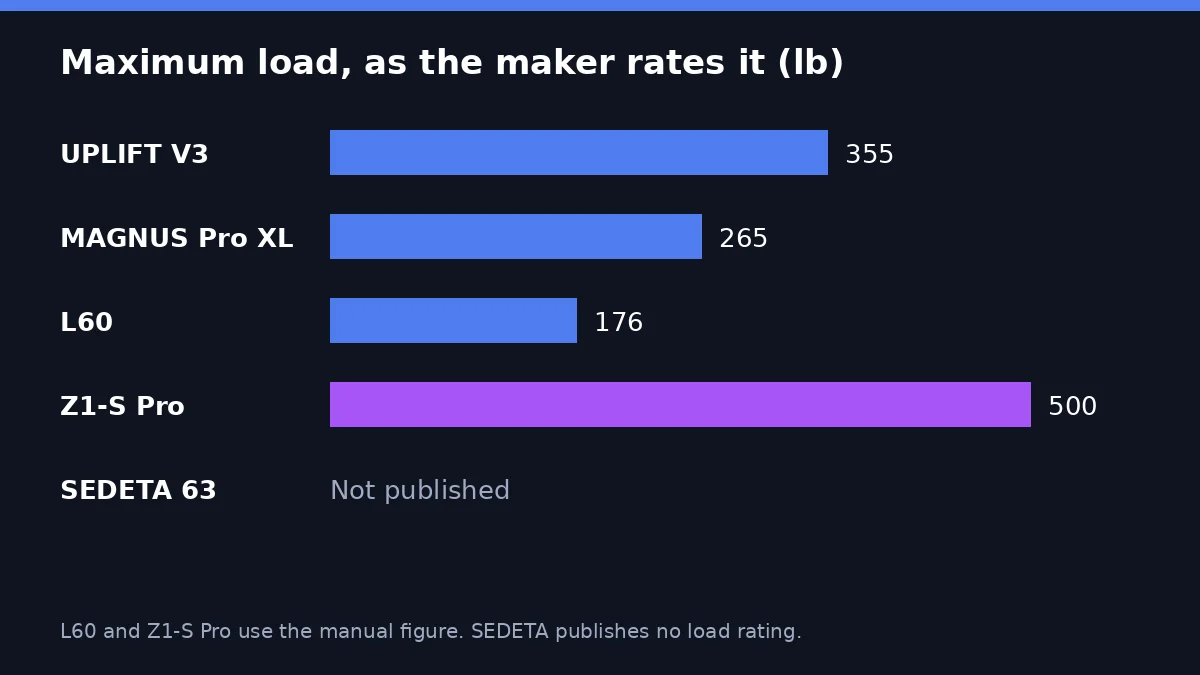
- The load, counted honestly Add up your monitors, tower, speakers and arms, then add the desktop itself where the maker counts it. The MAGNUS Pro XL’s 265 lb limit includes its 72.5 lb steel top, so plan around what is left.
Building more than one piece? Plan the rest of your setup in the Setup Builder before you order.
How these picks were chosen
The five desks below were picked from manufacturer spec sheets and manuals compared on 27 November 2026. Size counted most, then height range, then the rated load — the three numbers that decide whether a desk fits your room and your setup.
How we researched this
- Manufacturer spec sheets, manuals and product pages were compared on 27 November 2026; every figure in this guide comes from one of them.
- Desktop size counted most, then height range, then the rated load, because a desk that does not fit the wall is wrong whatever its features.
- Desks without a manufacturer spec page, and desks with no findable Amazon listing, were left out — the FlexiSpot E7L and the Corsair Platform:6 both fell out on those grounds.
- Specifications and rated figures come from manufacturer documentation. GameVexo does not physically test products — see how we research.
Best gaming desks for under $1,400 compared
Five desks, one table: width first, then height and load, so you can see which one fits your wall.
| Product | Desktop size | Height and load | Best for | Link |
|---|---|---|---|---|
| UPLIFT V3 Standing Desk, 60 x 30 inBest overall | 60 x 30 in | 22.6–48.7 in; 355 lb | Most players | Amazon Paid link |
| Secretlab MAGNUS Pro XLBest for cable management | 70 x 31.5 in | 25.6–49.2 in; 265 lb | Big setups, tidy cables | Amazon Paid link |
| EUREKA ERGONOMIC L60 L Shaped Gaming DeskBest L-shaped | 61.06 x 43.86 in overall | 30.08 in fixed; 176 lb | Corner rooms | Amazon Paid link |
| EUREKA ERGONOMIC Z1-S Pro Gaming DeskBest compact | 44.49 x 24.21 in | 30 in fixed; 500 lb | Small rooms | Amazon Paid link |
| SEDETA 63 Inch L Shaped Gaming DeskBest for storage | 63 x 18.9 in | Fixed; load not published | Storage | Amazon Paid link |
What the table does not show
A spec sheet cannot tell you how a desk feels at standing height, or how much of a steel top you lose to a cable-tray cover you cannot load. The MAGNUS Pro XL’s hinged rear cover is part of the desk, not a shelf — the manual says not to load it.
Pick 1 · Best overall
UPLIFT V3 Standing Desk, 60 x 30 in
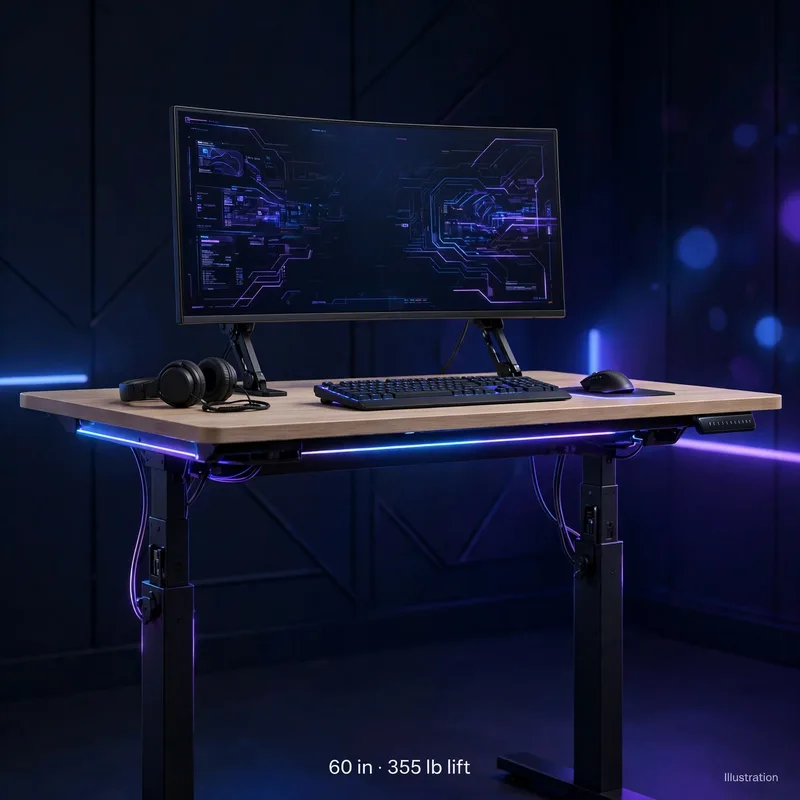
Best for most players who want to sit and standThe V3 is the current UPLIFT standing desk — the V2 is retired — and it is the most flexible desk here. Its 3-stage legs move the top from 22.6 to 48.7 inches, and the 355 lb lift leaves room for a tower, two monitors and arms. The frame ships with wire management included, so cables have somewhere to go from day one.
- Desktop size
- 60 x 30 in
- Height range
- 22.6–48.7 in
- Max load
- 355 lb
- Frame
- Dual-motor, 3-stage
- Extras
- Wire management included
- Brand
- UPLIFT Desk
Strengths
- 355 lb lift, the strongest sit-stand lift here
- 26.1 in of travel, the widest range here
- 15-year warranty on the frame, motors, electronics and desktop
Trade-offs
- Tops out at 48.7 in, lower than the retired V2’s 50.9 in
- Confirm the top you order is the 60 x 30 in bamboo configuration
Editorial opinion
Get this desk if you want one desk that covers sitting, standing and a heavy setup. If you are very tall and need the top above 48.7 inches, look at the MAGNUS Pro XL’s 49.2-inch top instead.
Price and availability change often — check the current listing.
Pick 2 · Best for cable management
Secretlab MAGNUS Pro XL
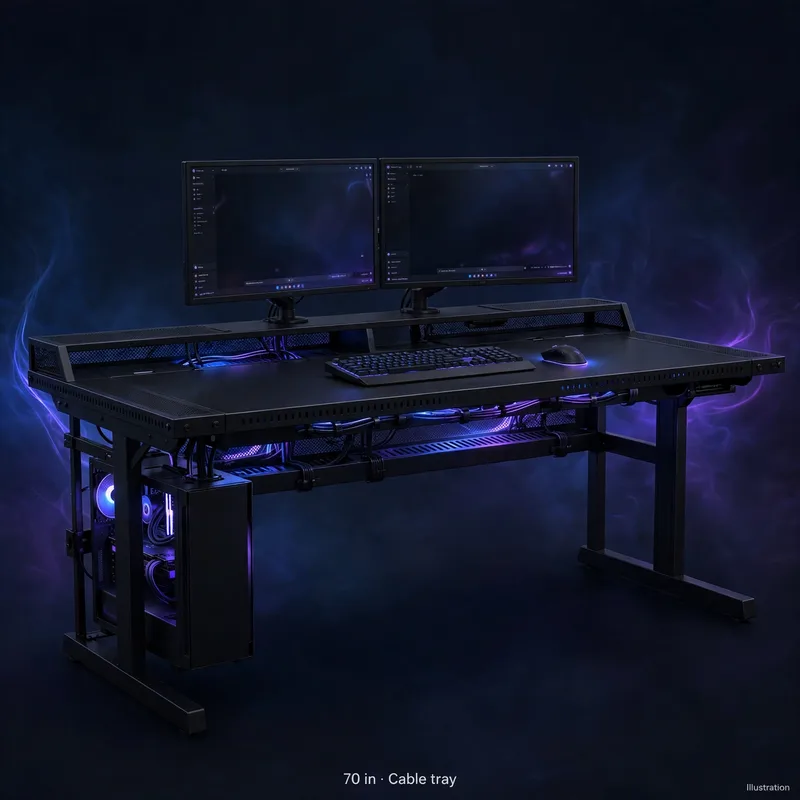
Best for big setups that must stay tidyThe MAGNUS Pro XL is a 70-inch steel desk built around cable management: a hinged rear cover hides the tray, the top is magnetic, and a power column is built into the desk. It rises from 25.6 to 49.2 inches on dual motors and carries 265 lb. It is the widest desk here and the only one with a steel top.
- Desktop size
- 70 x 31.5 in
- Height range
- 25.6–49.2 in
- Max load
- 265 lb
- Frame
- Steel top, dual motor
- Extras
- Cable tray, power column
- Brand
- Secretlab
Strengths
- Widest top here at 70 inches
- Cable tray with a hinged cover keeps wires out of sight
- Steel top works with magnetic accessories
Trade-offs
- The rear cover cannot be loaded, so part of the depth is not usable shelf space
- 265 lb is less than the V3’s 355 lb, and the 72.5 lb steel top counts inside that limit
Editorial opinion
Get this desk if your setup is wide and you hate visible cables. If you run a very heavy rig, the V3’s 355 lb lift gives you more headroom.
Price and availability change often — check the current listing.
Pick 3 · Best L-shaped
EUREKA ERGONOMIC L60 L Shaped Gaming Desk
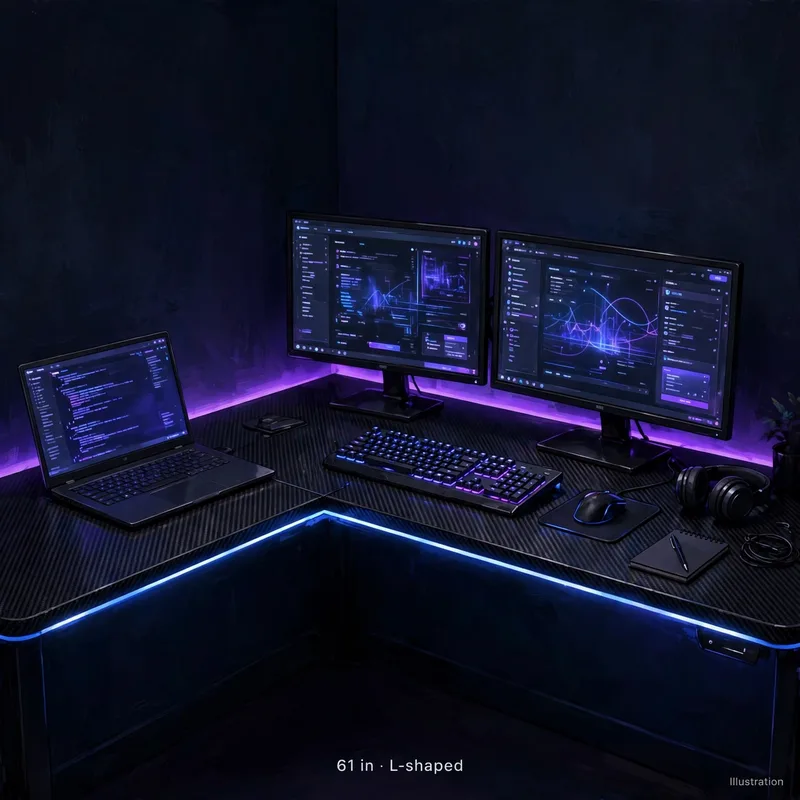
Best for a corner with two monitorsThe L60 turns a corner into two work areas: a 61.06-inch long wall and a 43.86-inch return, on a carbon steel frame. It is a fixed-height desk at 30.08 inches, with built-in cable management and a 5-year frame warranty. It suits a tower and two monitors if you plan around the manual’s 176 lb load.
- Desktop size
- 61.06 x 43.86 in overall
- Desktop height
- 30.08 in
- Max load
- 176 lb, manual
- Frame
- Carbon steel
- Extras
- Built-in cable management
- Brand
- Eureka Ergonomic
Strengths
- Two work areas from one corner
- Carbon steel frame
- Cable grommets and a power-strip holder built in
Trade-offs
- Fixed height — it never becomes a standing desk
- Eureka’s own pages disagree on the load (500 lb on the product page, 176 lb in the manual), so plan around the manual figure
Editorial opinion
Get this desk if your room has a free corner and your setup stays put. If you want to stand while you play, the V3 or the MAGNUS Pro XL is the honest choice.
Price and availability change often — check the current listing.
Pick 4 · Best compact
EUREKA ERGONOMIC Z1-S Pro Gaming Desk
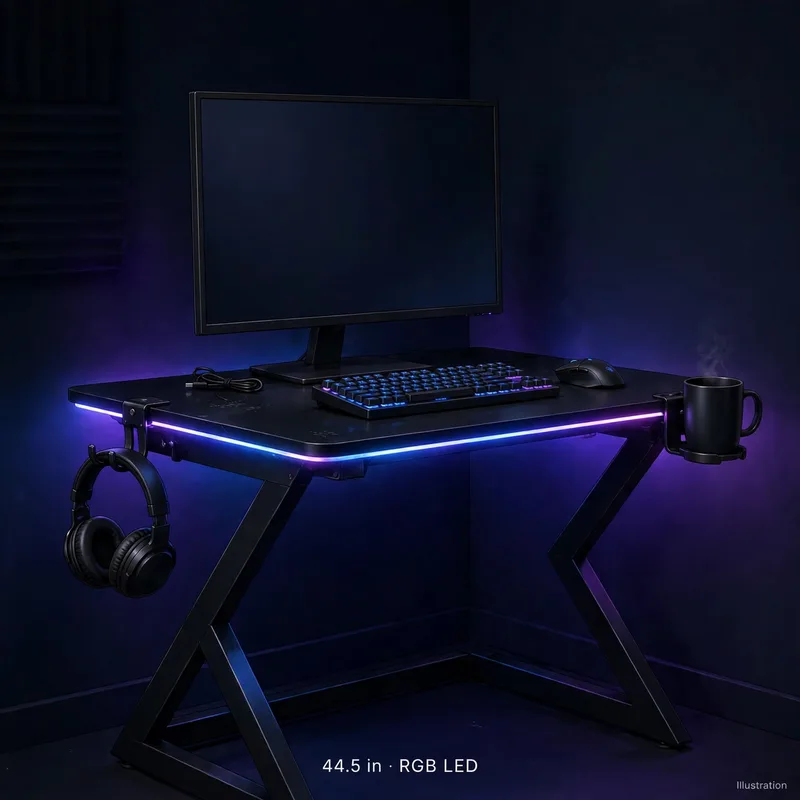
Best for a small room with one monitorThe Z1-S Pro is the smallest desk here: 44.49 inches wide and 24.21 inches deep, built for one monitor, a keyboard and a mouse. Its Z-shaped alloy steel frame is rated to 500 lb in the manual, and the desk comes with RGB LED lighting, a cup holder, a headset hook, a controller stand and an oversized mouse pad.
- Desktop size
- 44.49 x 24.21 in
- Desktop height
- 30 in
- Max load
- 500 lb, manual
- Frame
- Alloy steel, Z-shaped
- Extras
- RGB LED, cup holder, headset hook
- Brand
- Eureka Ergonomic
Strengths
- Fits rooms where a 60-inch desk cannot
- 500 lb manual load is the highest here
- Gaming extras in the box: LED, cup holder, headset hook, controller stand
Trade-offs
- 24.21 inches of depth leaves little room behind a monitor for speakers or an arm
- Fixed height
- Some retailers list the load as 220 lb, not 500 lb — plan around the lower figure if your setup is heavy
Editorial opinion
Get this desk if space is the constraint and one monitor is enough. If you run two monitors, the L60 gives you the second screen without leaving the same budget.
Price and availability change often — check the current listing.
Pick 5 · Best for storage
SEDETA 63 Inch L Shaped Gaming Desk
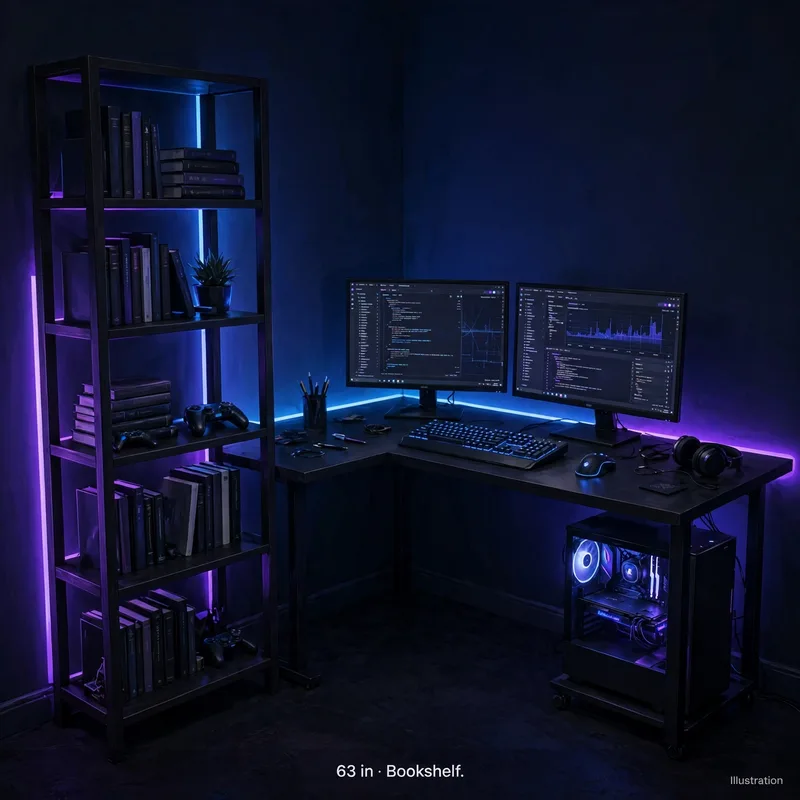
Best for a corner that must hold everythingThe SEDETA is the storage desk in this guide: a 63-inch L-shaped top with a five-tier bookshelf that mounts on either side, a CPU stand, and a charging station with 2 outlets and 2 USB ports. Its RGB LED strip runs through an app or a remote, with over 60,000 colours and 29 modes. The maker publishes no load rating, so keep heavy gear off the shelves.
- Long wall
- 63 in
- Desktop size
- 63 x 18.9 in
- Overall height
- 55 in, bookshelf
- Power
- 2 outlets + 2 USB
- Storage
- 5-tier bookshelf, CPU stand
- Brand
- SEDETA
Strengths
- Five-tier bookshelf and CPU stand included
- Charging station powers four devices at once
- Bookshelf mounts on the left or right
Trade-offs
- No published load rating for the desktop or the shelves
- 18.9 inches of main depth is shallow for a monitor arm and speakers
- Fixed height
Editorial opinion
Get this desk if your corner has to store books, files and a tower as well as hold your screens. If you need a rated load for a heavy setup, the L60’s 176 lb manual figure is the safer number.
Price and availability change often — check the current listing.
Sit-stand or fixed height?
Most players should buy a sit-stand desk: the V3 and the MAGNUS Pro XL both move, and standing between games is the one upgrade a fixed desk can never add later. The condition that flips it is the room — if the desk goes in a corner that fits an L-shape, or the budget must also cover storage, a fixed desk wins.
Sit-stand
- Choose it when you play long sessions and want to stand between games.
- It changes height in seconds and fits more body sizes.
- It costs more money for the same width, and there are motors to look after.
or
Fixed height
- Choose it when the desk fills a corner or must include storage.
- It gives more width and storage for the money, with nothing to break.
- You sit at one height forever.
What to look for before you buy
Size decides everything else. A desk that is too small for your monitors cannot be fixed with accessories, so start with width and depth, then check height and load.
Desktop width and depth
Two monitors need about 60 inches of width; one monitor fits on 44.5 inches. Depth matters just as much: 30 inches leaves room for a monitor arm and your arms, while 18.9 inches on the SEDETA’s main run is tight for anything behind the screen.
Height range and load
A sit-stand desk should cover your sitting height and your standing height: 22.6 to 48.7 inches on the V3, 25.6 to 49.2 inches on the MAGNUS Pro XL. Add up everything the desk will carry and keep it under the rated load — and check whether the maker counts the desktop itself, as Secretlab does with the 72.5 lb steel top.
Cable management and power
A tray, a rear cover or built-in outlets decide whether your setup looks tidy or grows a knot of cables. The MAGNUS Pro XL hides cables behind a hinged cover, the SEDETA adds 2 outlets and 2 USB ports, and the V3 ships with wire management included.
The spec to ignore
LED colour counts. The SEDETA lists over 60,000 colours and 29 modes, which says nothing about whether your monitors fit. Judge a desk on width, depth, height range and load — the lights are free once those four are right.
Key terms, explained
Desk specs trip buyers up because the same number can mean different things on different pages.
- Sit-stand range
- The lowest and highest heights a desk’s top reaches, in inches — for example 22.6 to 48.7 inches on the UPLIFT V3. Check your sitting and standing heights against it.
- Load capacity
- The most weight the maker rates the desk for, in pounds. Some makers count the desktop itself inside that number — Secretlab’s 265 lb includes the 72.5 lb steel top — so read the manual, not just the headline.
- Desktop depth
- The front-to-back measurement of the top, in inches. Depth decides how far your monitor sits from your eyes and whether a monitor arm fits behind it.
- Cable tray
- A channel or cover under or behind the desktop that holds power bricks and cables out of sight. A tray you cannot load, like the MAGNUS Pro XL’s hinged rear cover, is not a shelf.
Mistakes that cost gamers money
The most expensive mistake in this category is buying width for the room instead of the wall.
- Buying for the room, not the wallA 63-inch desk needs 63 inches of clear wall, and an L-shaped desk needs both walls measured. Measure to the nearest door, window or radiator before you order.
- Counting the load without the desktopSecretlab’s 265 lb limit includes the 72.5 lb steel top. Add your monitors, tower and arms, then check what is actually left.
- Paying for lights instead of sizeRGB modes and colour counts never make a desk wider. A desk that fits one monitor cannot hold two, whatever its LEDs do.
- Choosing fixed height, then wanting to standA fixed desk cannot be upgraded into a sit-stand desk later. If you think you will want to stand, buy the movement now — the V3 and the MAGNUS Pro XL both move.
Setup and upkeep
After assembly, level the feet, run a sit-stand desk through its full height range once before you load it, and keep at least an inch of clearance around moving parts. Never load past the rated limit, and keep cables slack under a moving desk so they cannot snag.
Frequently asked questions
What size gaming desk do I need for two monitors?
60 inches wide is the safe starting point: two monitors, a keyboard and a mouse fit with room to spare. The 60-inch UPLIFT V3 and the 70-inch MAGNUS Pro XL both clear that bar, and the 61-inch Eureka L60 does it in a corner. A 44.5-inch desk like the Z1-S Pro is a one-monitor desk — a second screen will crowd it.
Is a standing desk worth it for gaming?
Yes, if you play long sessions: a sit-stand desk lets you stand between games without leaving your setup. The V3 moves from 22.6 to 48.7 inches and the MAGNUS Pro XL from 25.6 to 49.2 inches, so both cover sitting and standing for most players. If your desk must fill a corner or include storage, a fixed L-shaped desk is the better spend.
How much weight can a gaming desk hold?
It depends on the desk: 500 lb in the Z1-S Pro manual, 355 lb on the UPLIFT V3, 265 lb on the MAGNUS Pro XL and 176 lb in the L60 manual. Check whether the maker counts the desktop — Secretlab’s 265 lb includes its 72.5 lb steel top. SEDETA publishes no load rating at all, so keep heavy gear off its shelves.
Can I put a gaming desk in a corner?
Yes — that is what L-shaped desks are for. The Eureka L60 needs a 61.06-inch wall and a 43.86-inch return, and the SEDETA needs 63 inches on its long wall. Measure both walls to the nearest door or window first, and leave about 24 inches behind the chair so you can stand up.
So which one should you buy?
Buy the UPLIFT V3 if you want one desk that does everything: it stands, it lifts 355 lb, and its 60-inch top fits two monitors.
| If you need | Best pick | Why | Link |
|---|---|---|---|
| The best all-rounder | UPLIFT V3 Standing Desk, 60 x 30 in | 355 lb lift, 22.6–48.7 in range | Amazon Paid link |
| To spend less | EUREKA ERGONOMIC L60 L Shaped Gaming Desk | 61-inch L-shape with a steel frame | Amazon Paid link |
| A big setup with tidy cables | Secretlab MAGNUS Pro XL | 70-inch steel top with a hidden cable tray | Amazon Paid link |
| A small room, one monitor | EUREKA ERGONOMIC Z1-S Pro Gaming Desk | 44.5-inch top with a 500 lb manual load | Amazon Paid link |
Still deciding? Answer a few questions in Help me choose and GameVexo will narrow it down by your games, platform and budget.
Where to go next
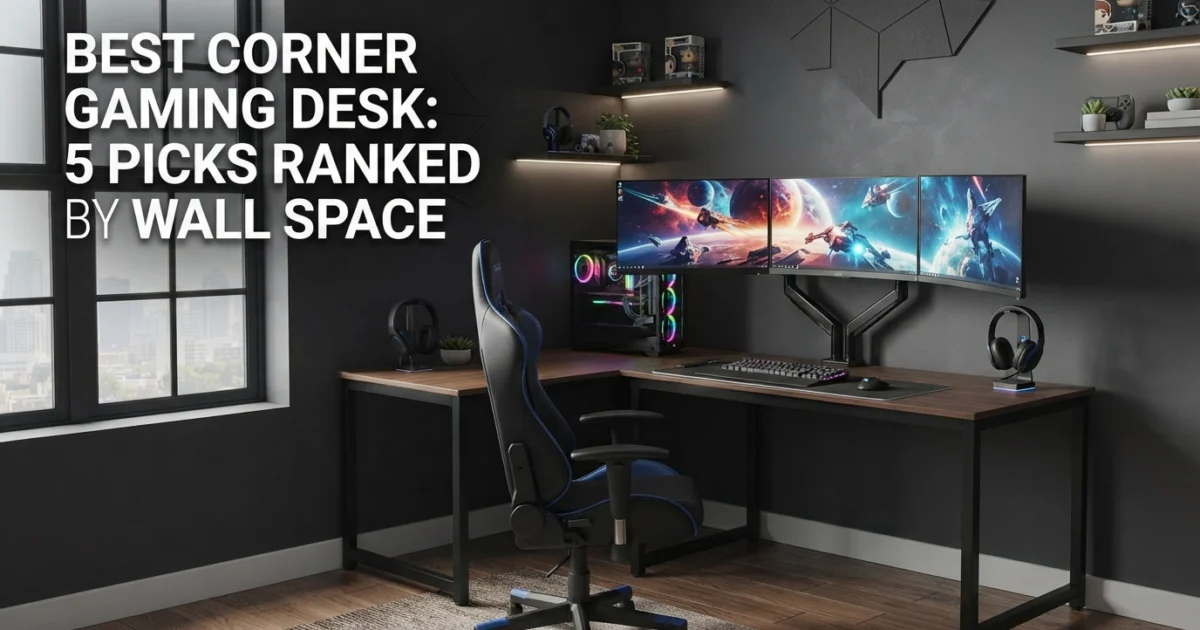
- Best Corner Gaming DeskRanks five corner desks by wall length and dead space, if your room only has a corner free.
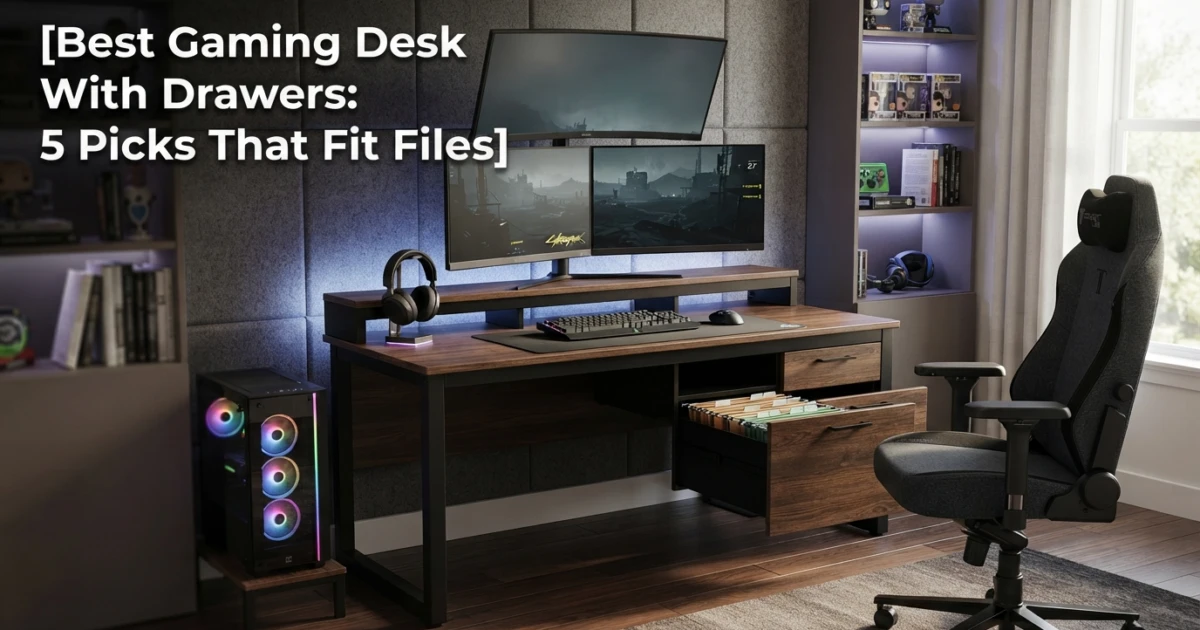
- Best Gaming Desk With DrawersFive desks with drawers and shelves compared, if storage matters more than standing.
Sources
- UPLIFT Desk, V3 Standing Desk Frame: specification sheet, checked
- Secretlab, MAGNUS Pro: technical specifications, checked
- Eureka Ergonomic, L60 L Shaped Gaming Desk: product page, checked
- Eureka Ergonomic, Z1-S Pro Gaming Desk: user manual, checked
- SEDETA, 63 Inch L Shaped Gaming Desk: product page, checked
Explore

Article engagement
Comments (0)
No comments yet. Be the first to share what you think.
Sign in to join the conversation.